Core Features
MyAgentBase brings your communication, training, resources, and daily workflows into one place so your team can move faster with less back-and-forth. Explore the core features.
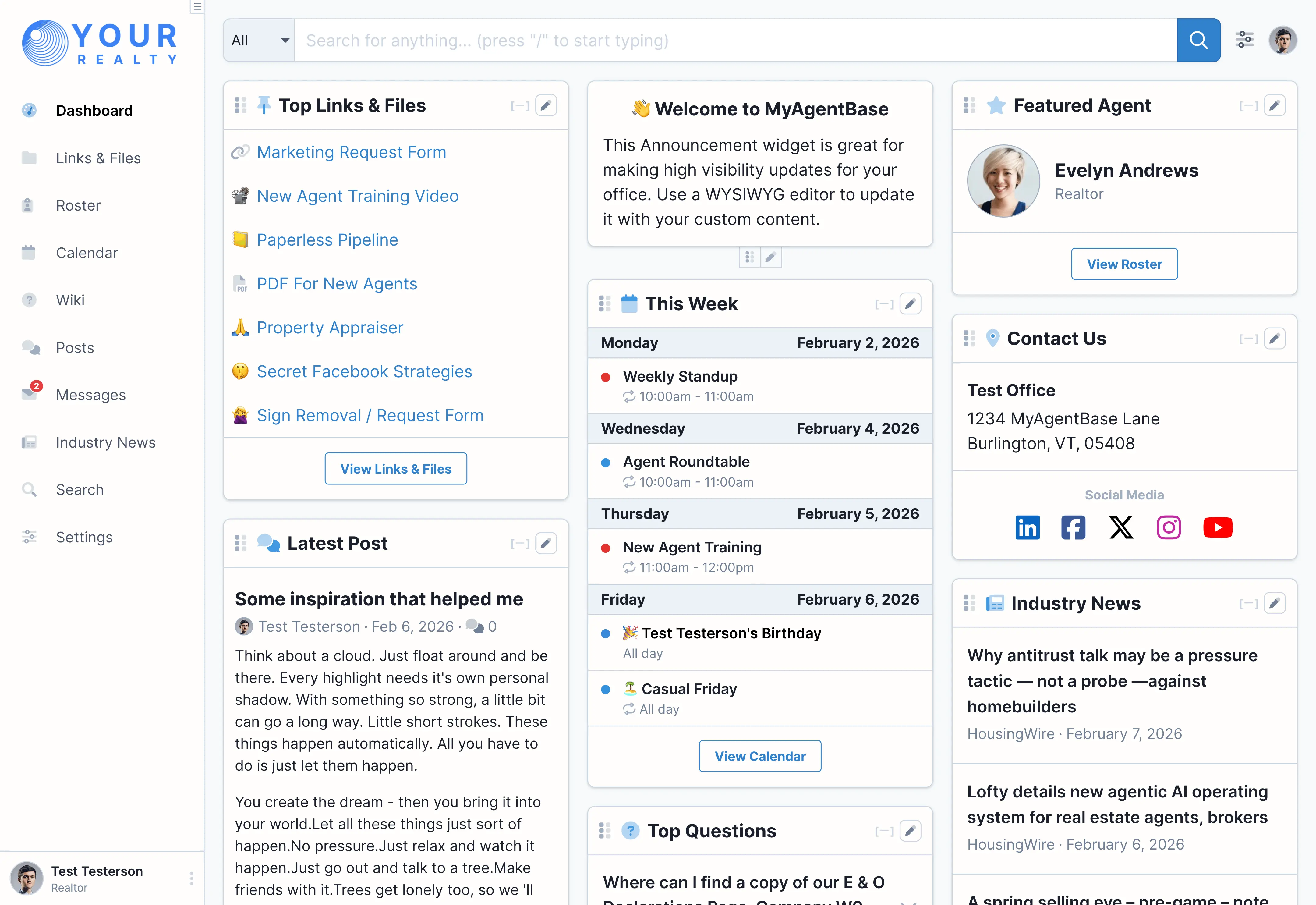
The Dashboard is your customizable homepage
The dashboard keeps your team aligned with the latest updates, resources, and activity in one place. It gives agents a quick snapshot of what matters, without jumping between tools. You can adjust the layout as your brokerage changes. Learn more
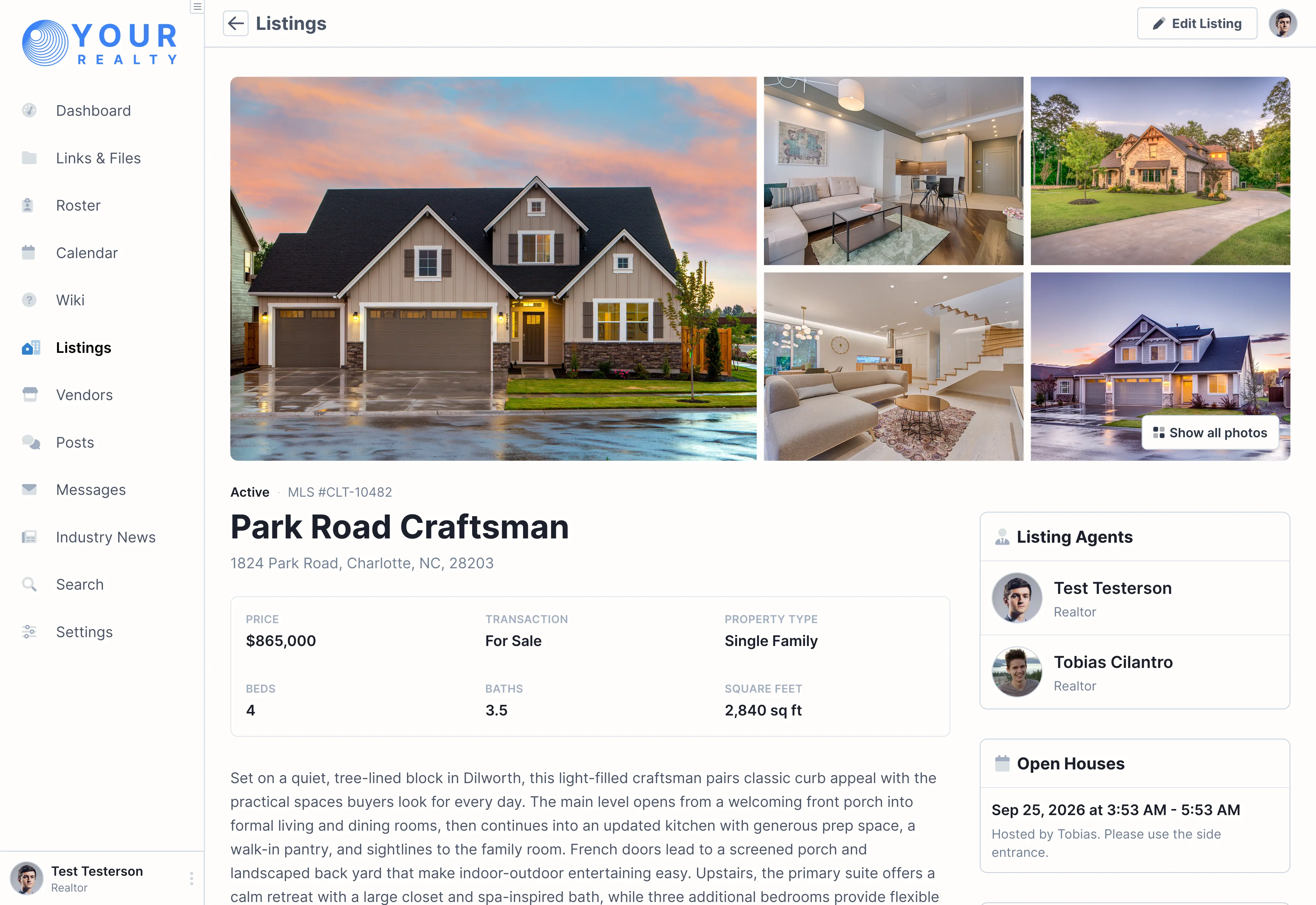
Real estate listings, organized for your team
Create and share residential, commercial, and private listings from the same place your team already works. Keep every property organized and easy to find. Learn more
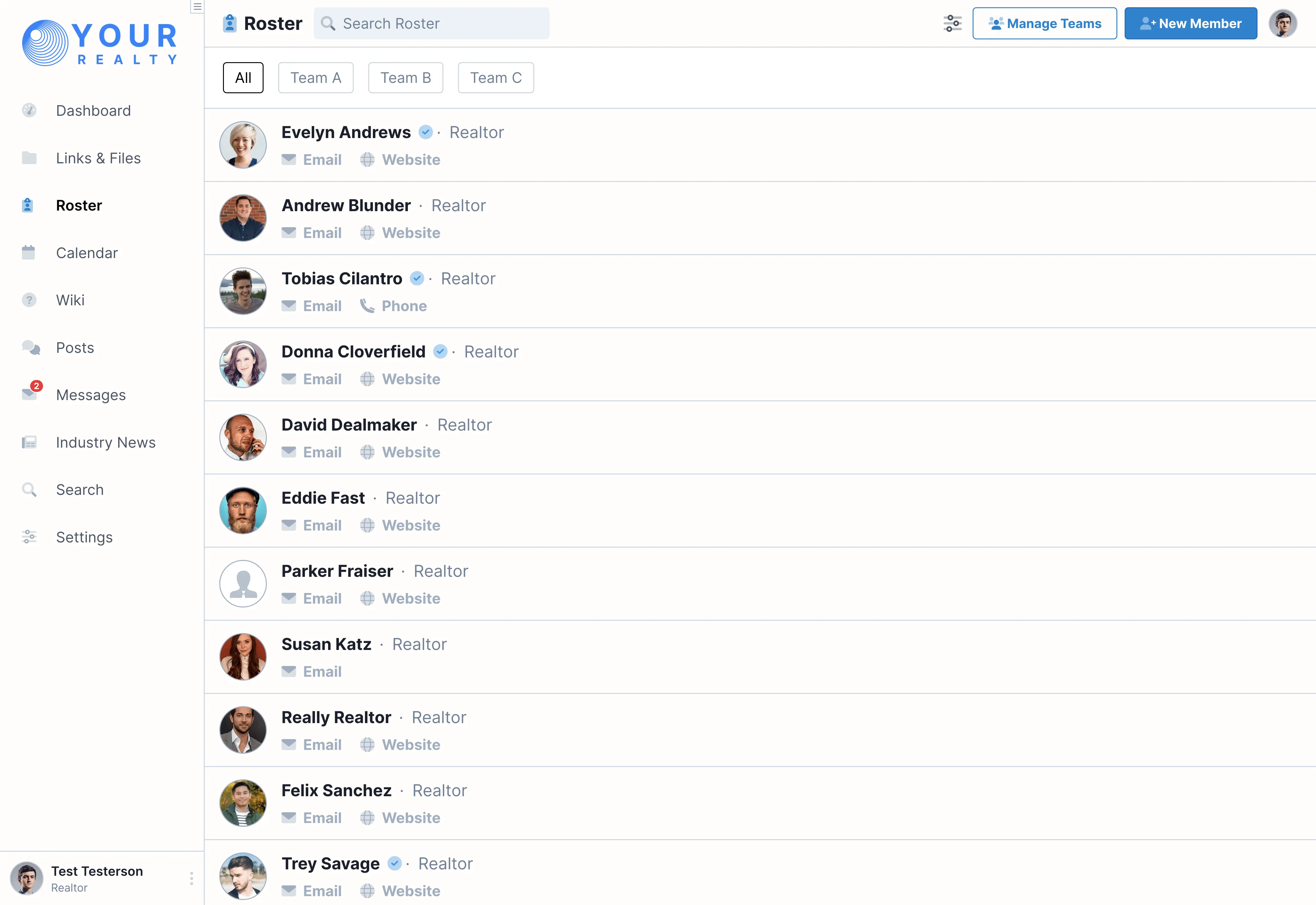
Agent Roster for company contact information
Your roster is the source of truth for who is on the team and how to reach them. It keeps contact details organized and easy to find, so communication stays fast. Access can be managed by office or team as you grow. Learn more
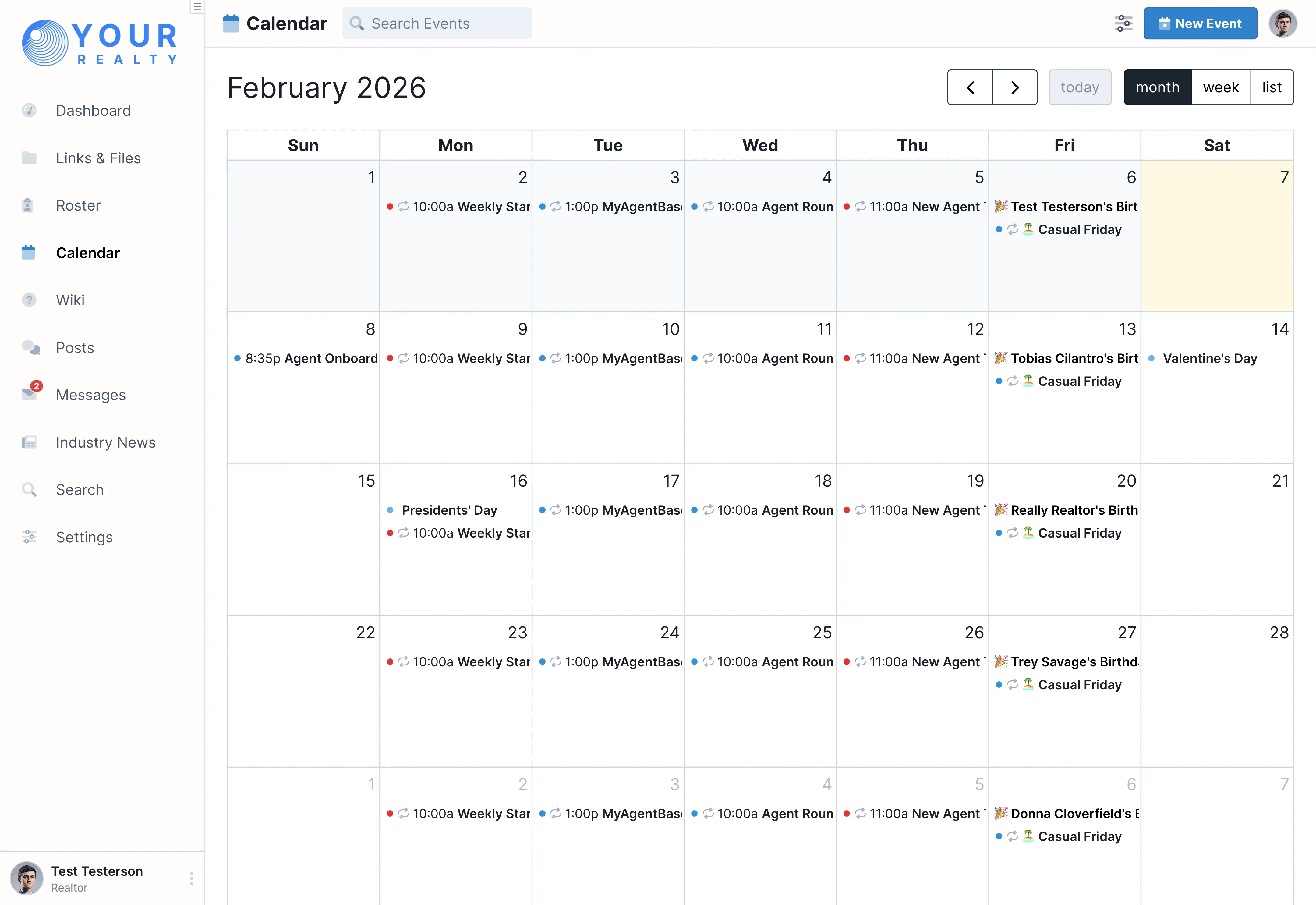
Calendars, RSVPs, and events for keeping your team on schedule
Keep your team on the same page with a calendar built for real estate operations. Plan recurring events, invite the right people, and track RSVPs without adding another tool to your workflow. Learn more
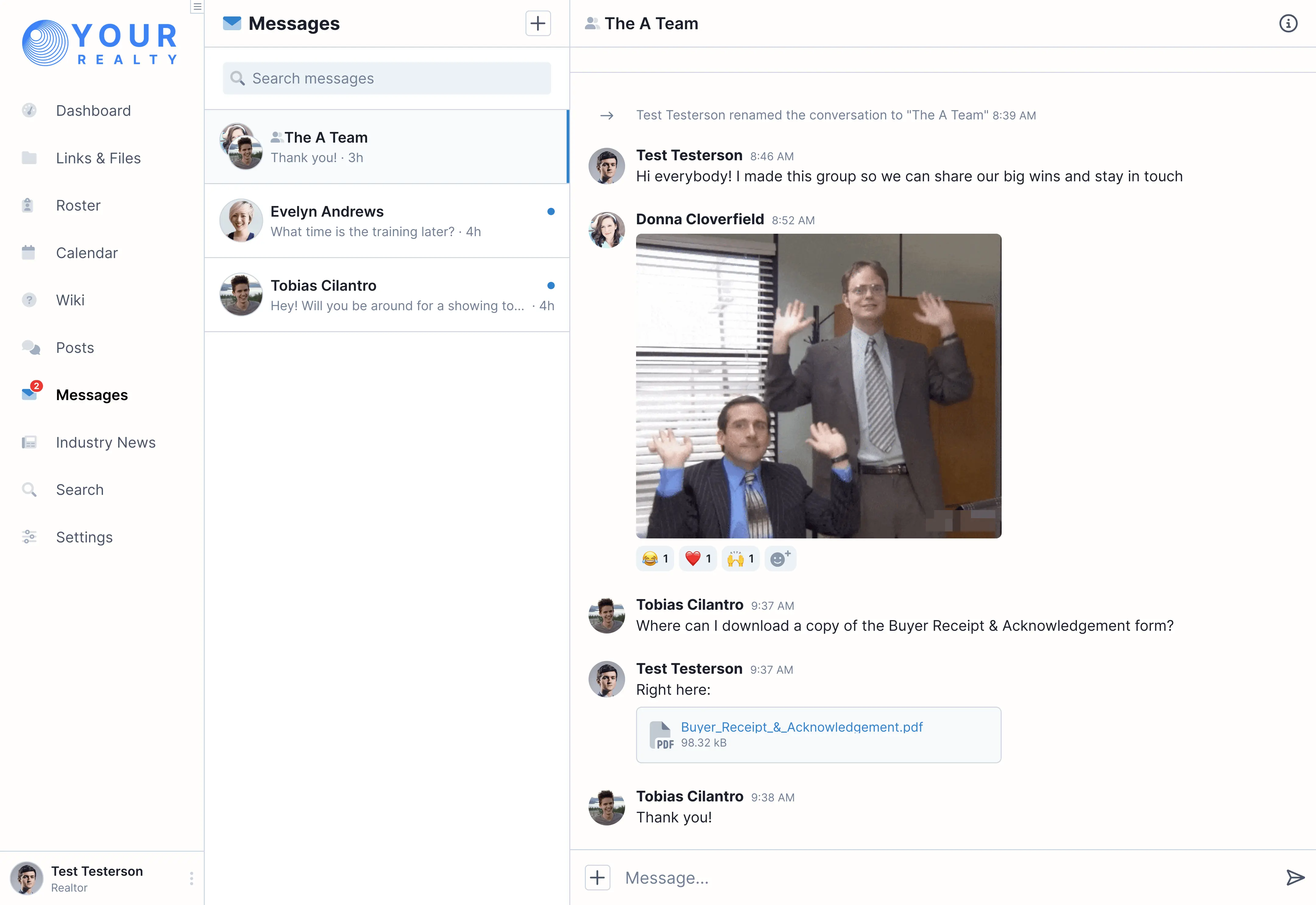
Direct Messages for private conversations
Direct Messages keeps private and small-group communication inside your intranet. Conversations stay organized and searchable, with less reliance on scattered texts and email threads. It is a cleaner way to keep communication moving. Learn more
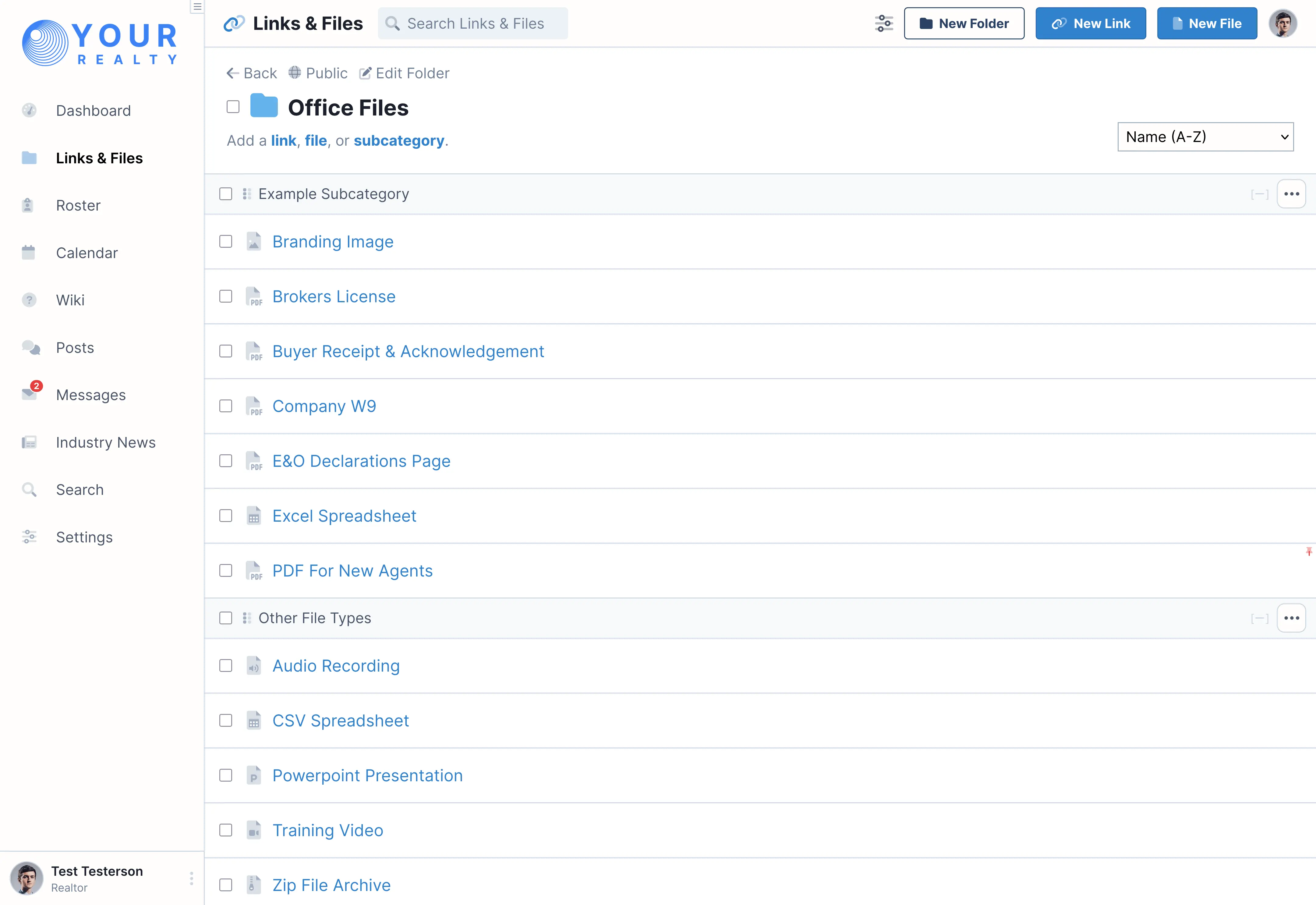
Storage and Common Links for documents and assets
Store the resources your brokerage uses every day in one organized place. Agents can quickly find documents and common links instead of hunting through email. Access stays controlled by team or office, and search makes discovery fast. Learn more
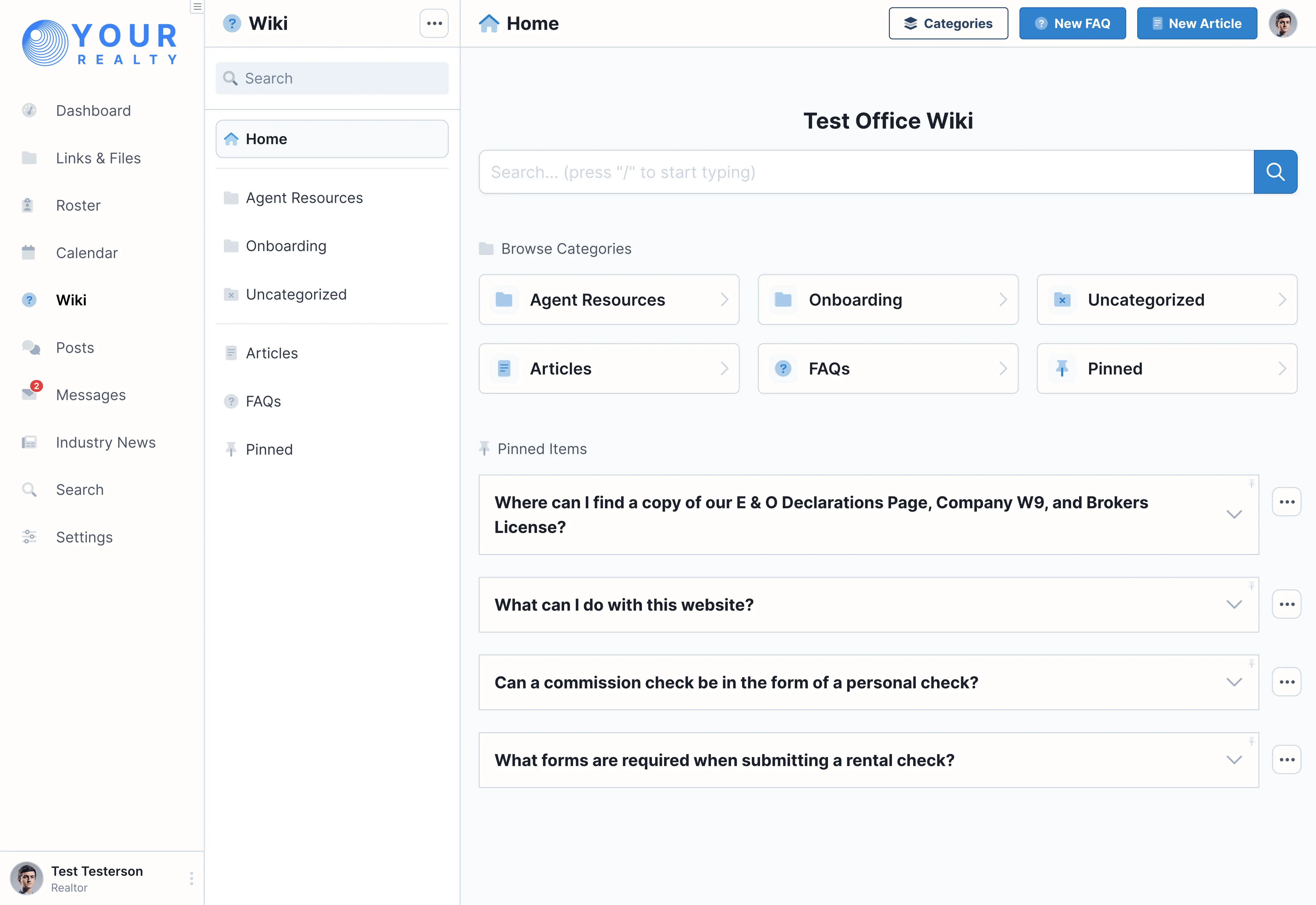
Knowledge Base for training and frequently asked questions
The wiki gives your team one place to document policies, processes, and training content. It turns repeat questions into clear, searchable answers. As your team grows, onboarding stays smoother and daily operations stay more consistent. Learn more
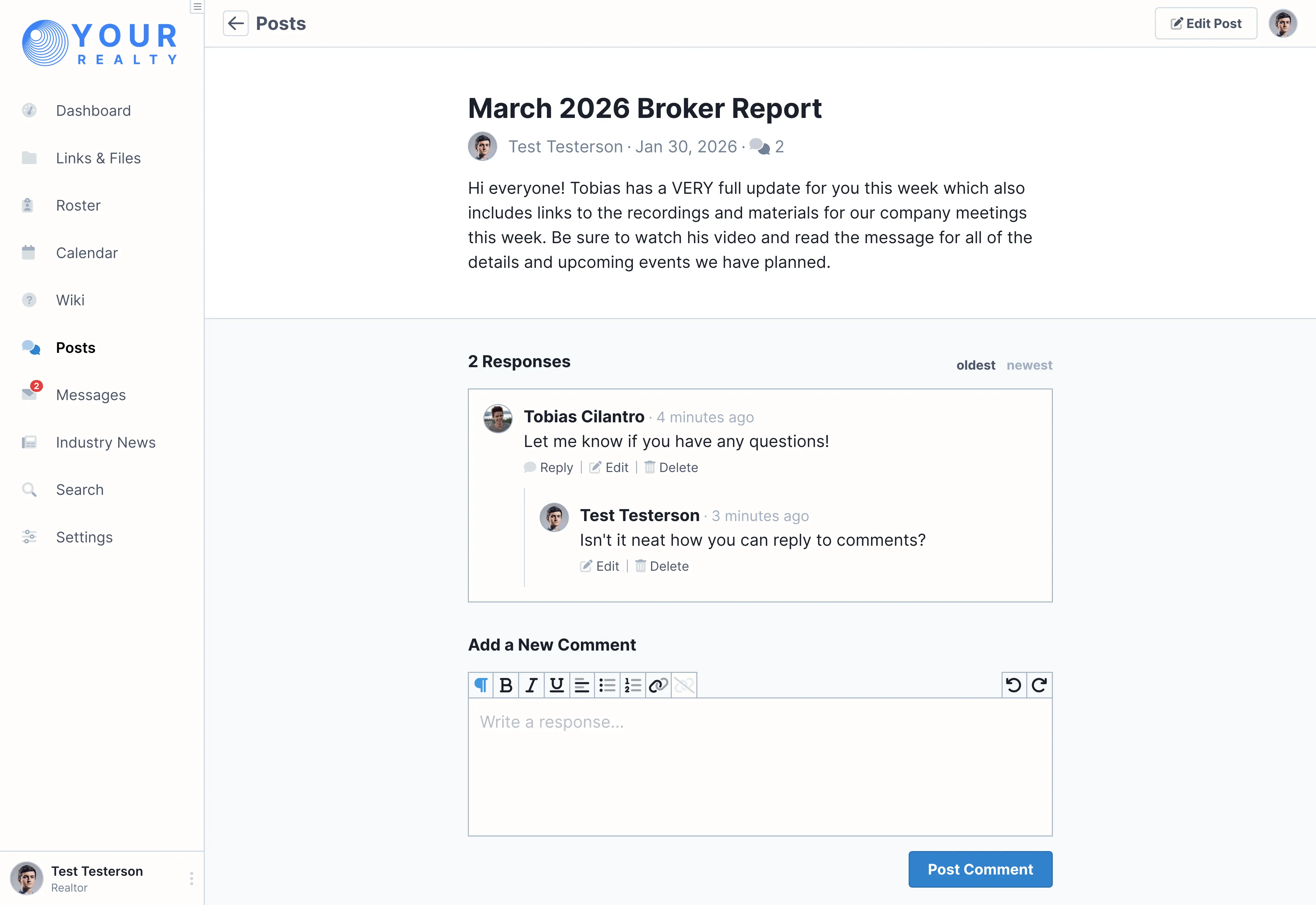
Message Boards for internal announcements and discussions
Posts gives your team a centralized place for announcements and discussions. Updates stay visible, and conversations stay attached to the original post for better context. It helps replace long email threads with a cleaner internal feed. Learn more
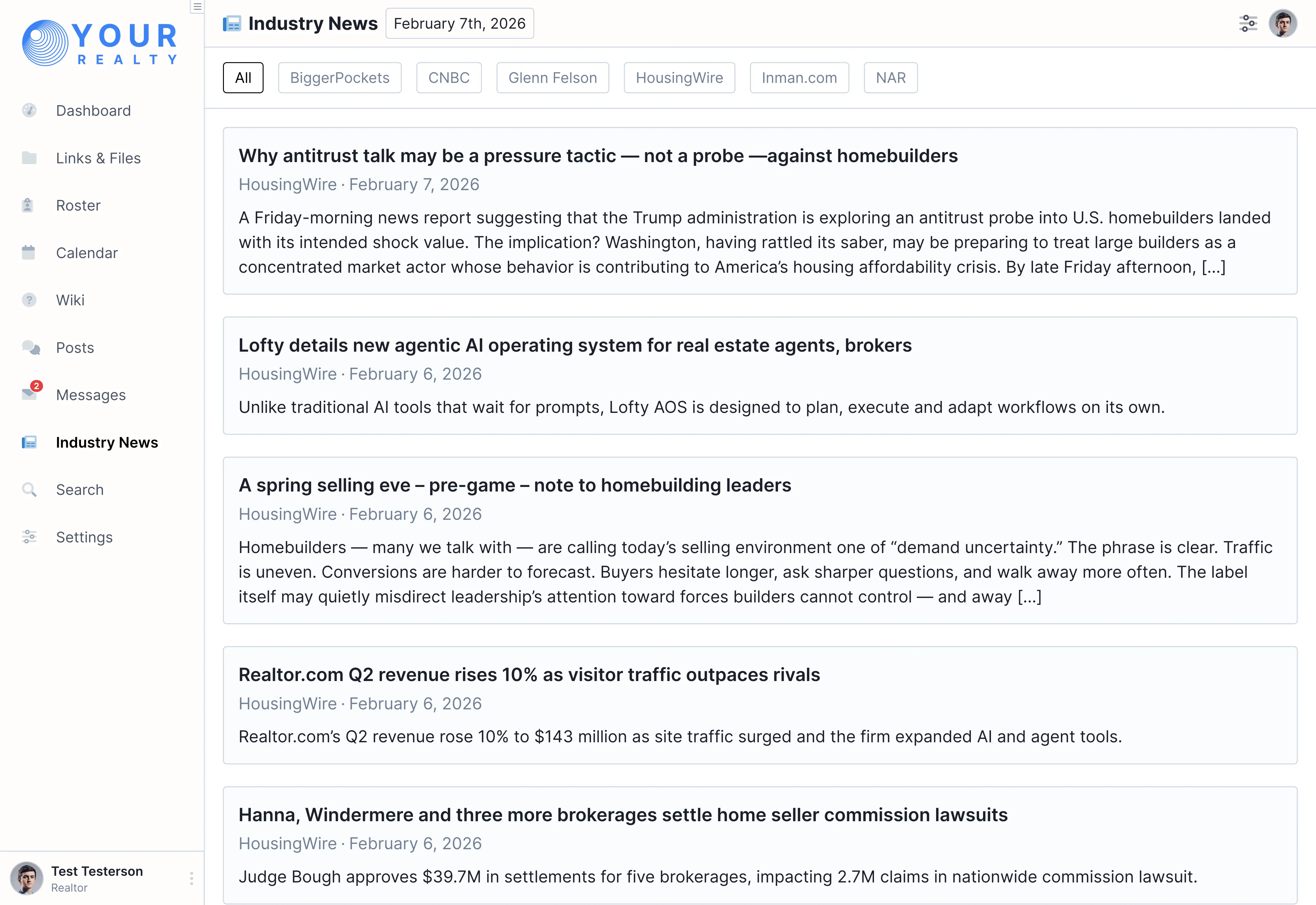
Industry News Feed for real estate professionals
Keep your brokerage tuned into the market with a focused, real-estate-only news feed. Agents can quickly scan relevant headlines in one place instead of checking multiple sources. It is a simple way to stay informed without extra noise. Learn more
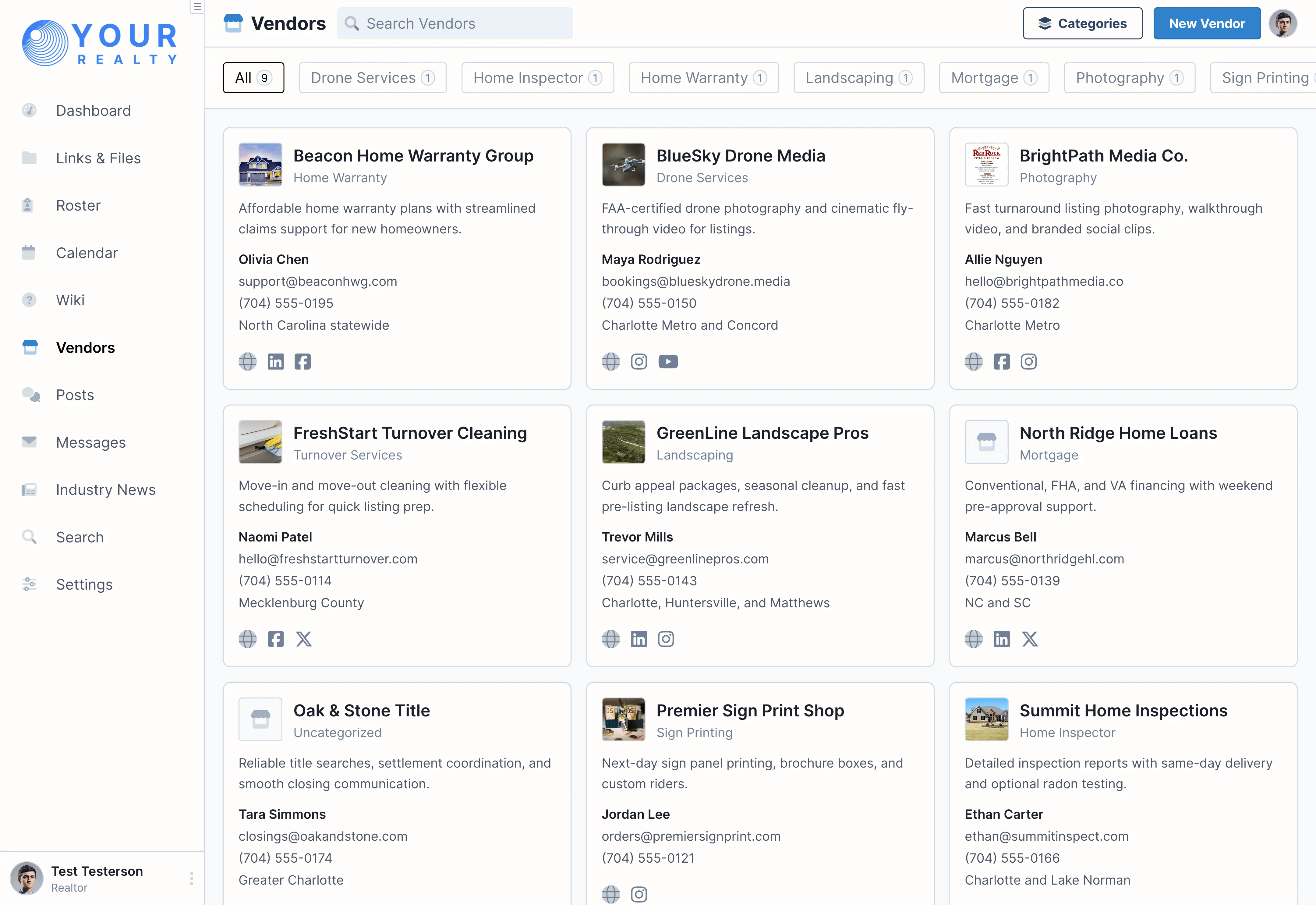
Preferred Vendors for easy access to your partners
Vendors gives your team a reliable directory of preferred partners. Contact details, links, and categories stay organized and easy to search. It helps your brokerage move faster and stay more consistent when recommending service providers. Learn more
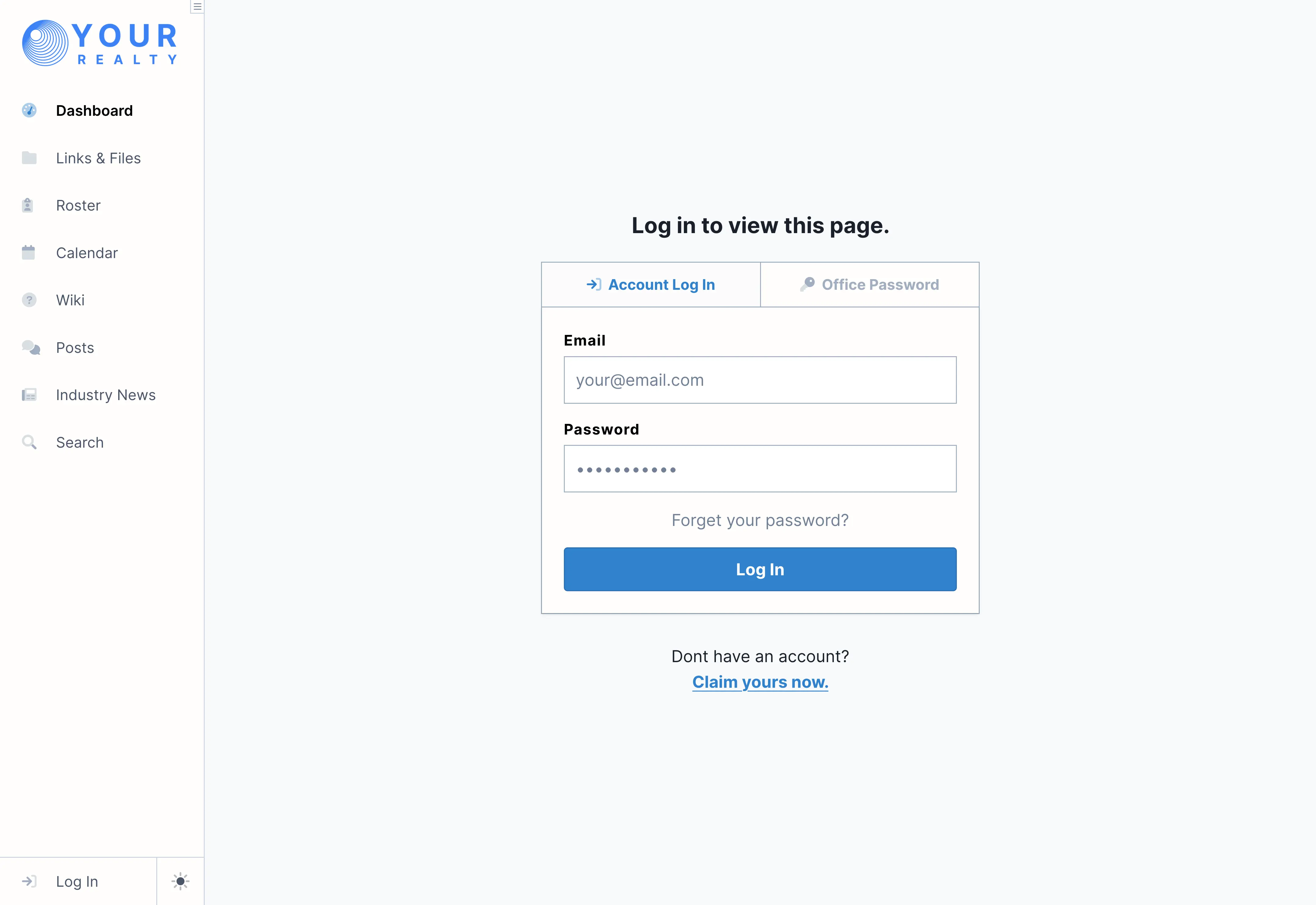
User Accounts and Teams for collaboration and access
Manage access with unlimited user accounts and teams, plus granular privacy controls. You can route information to the right people while keeping sensitive content protected. It keeps account management structured as your brokerage scales. Learn more
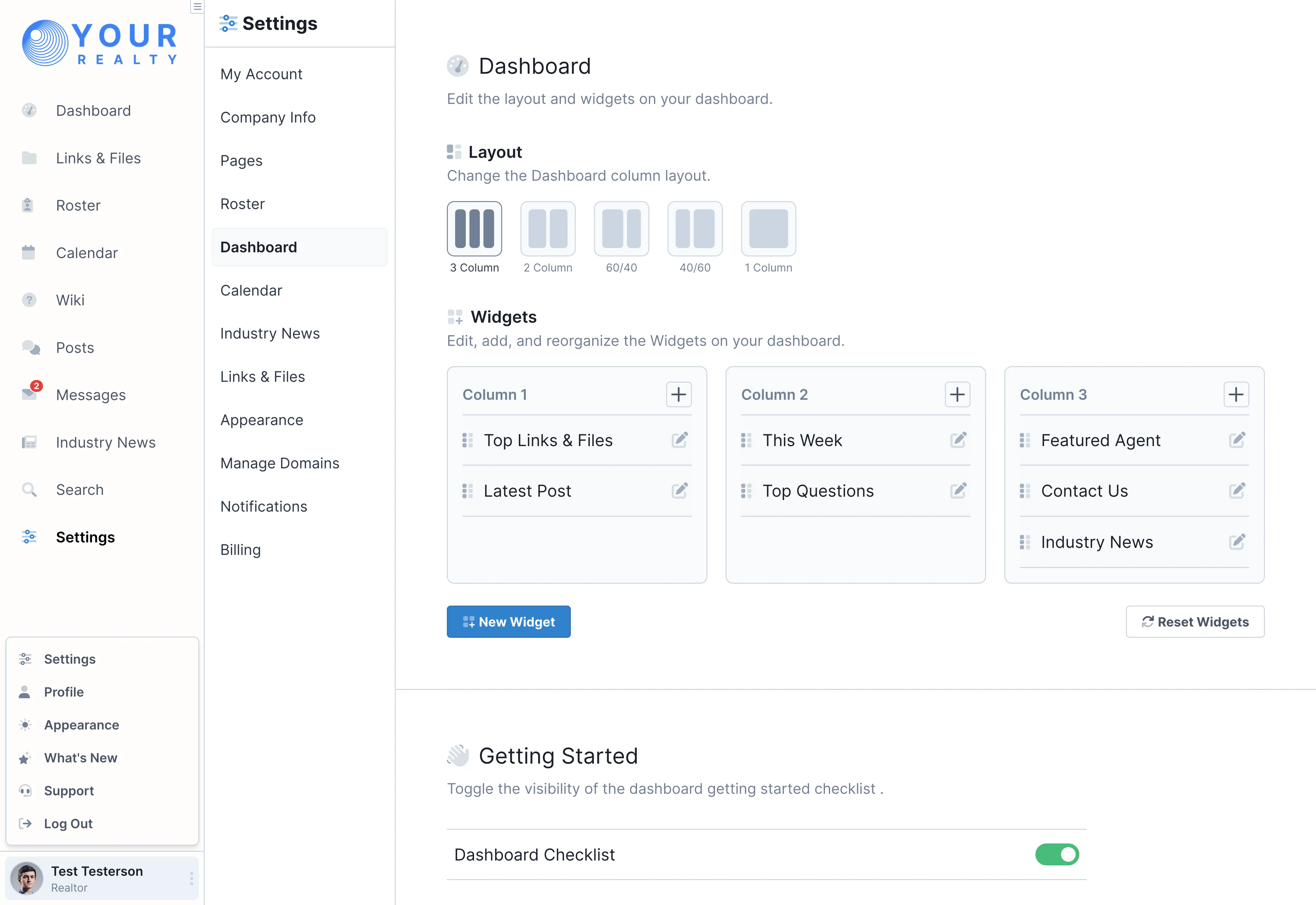
Customization and Privacy tools to make MyAgentBase your own
Customize MyAgentBase to match how your brokerage actually works. You can adjust branding, navigation, naming, and visibility from one place. The result is a cleaner, more secure intranet that feels like your own. Learn more
Get started for free
Play around with it first. Pay later.
Try MyAgentBase for freeNo credit card required